
Download Solitaire Pack (Free) – solitaire, card games, free, classic, klondike, spider, freecell, tri-peaks, pyramid, mobile app, android, nostalgic, easy to play, relaxing
Overview
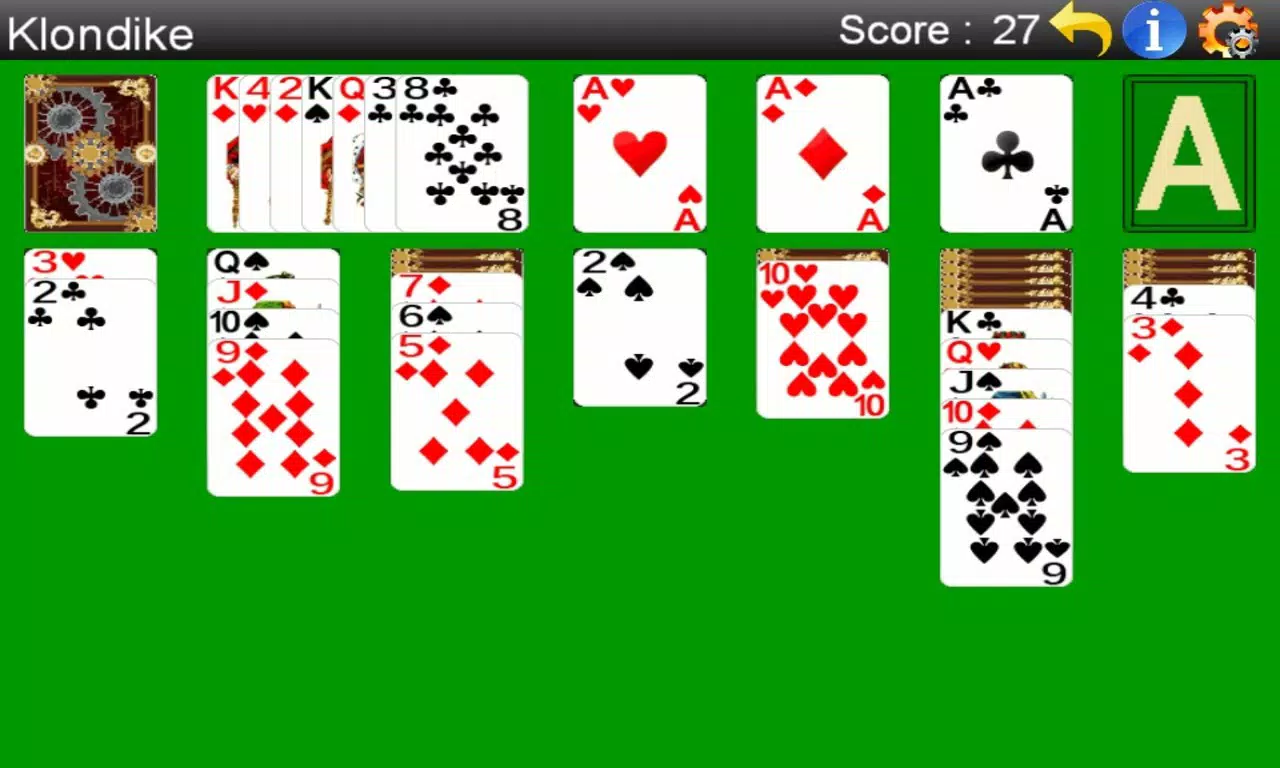
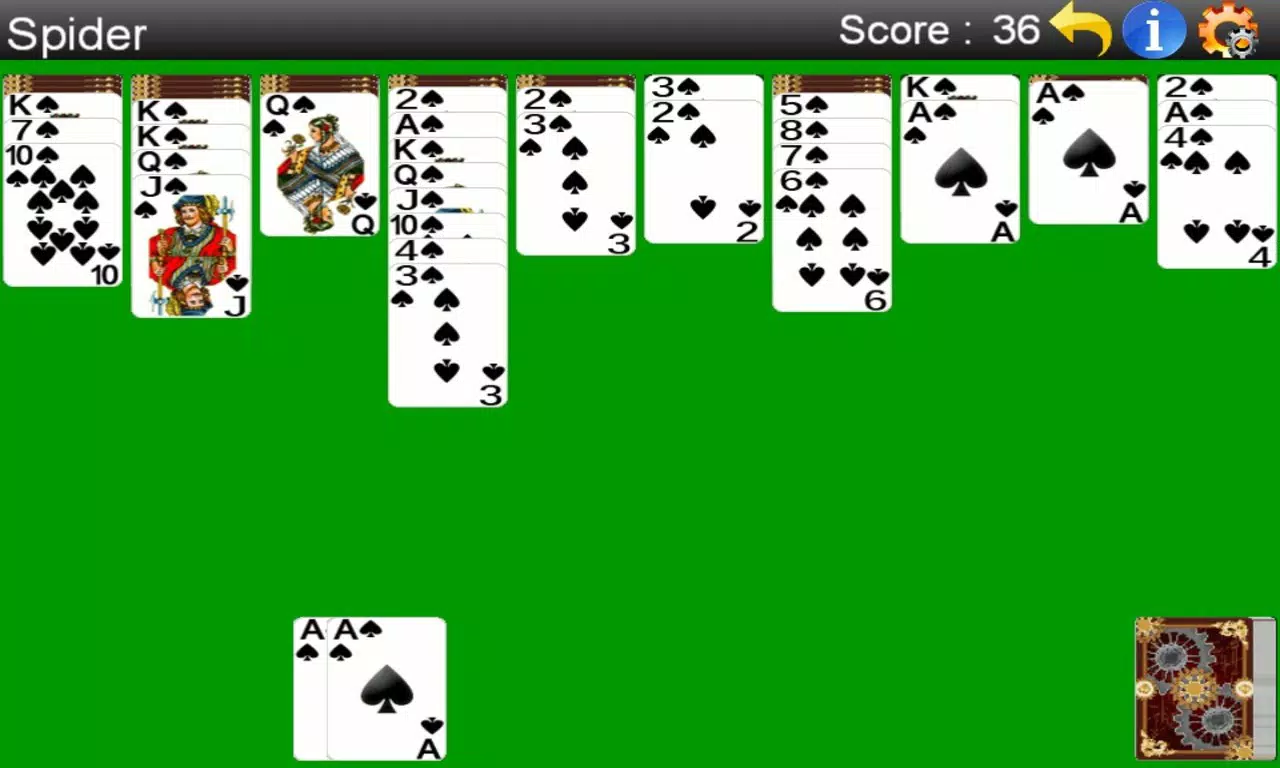
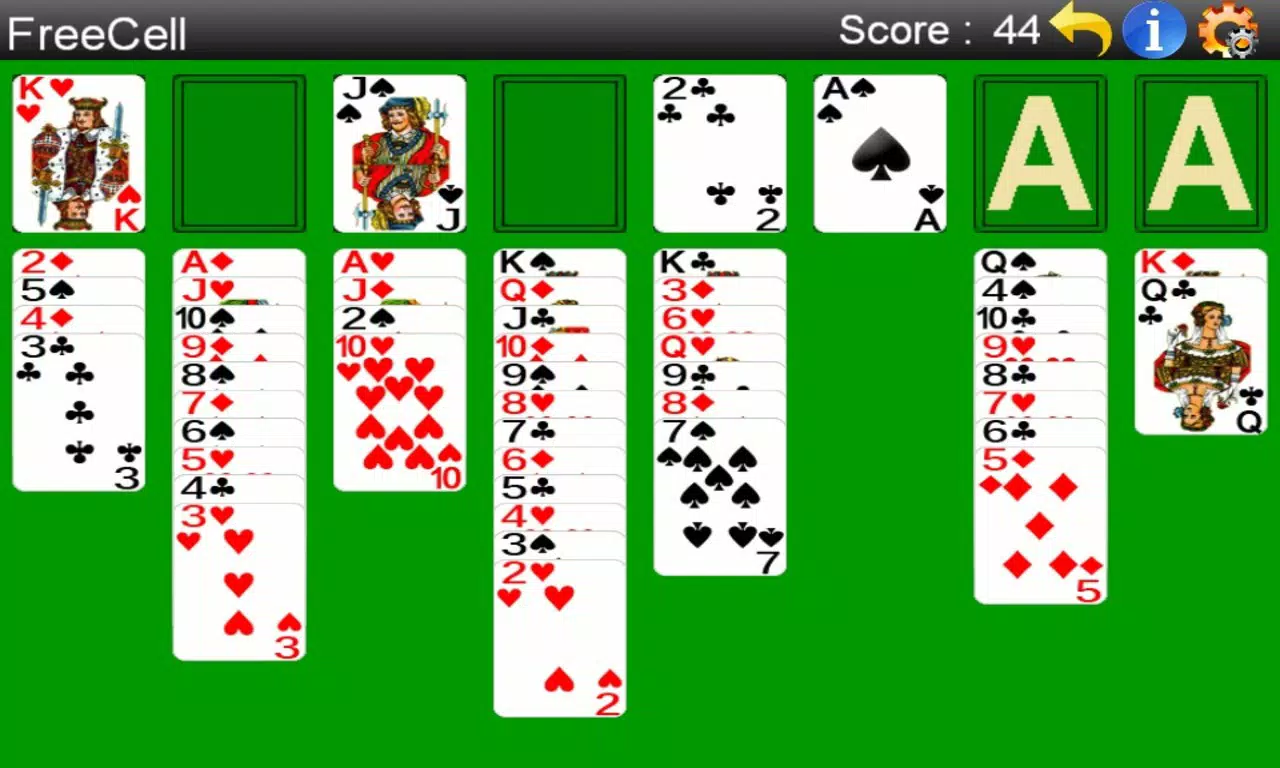
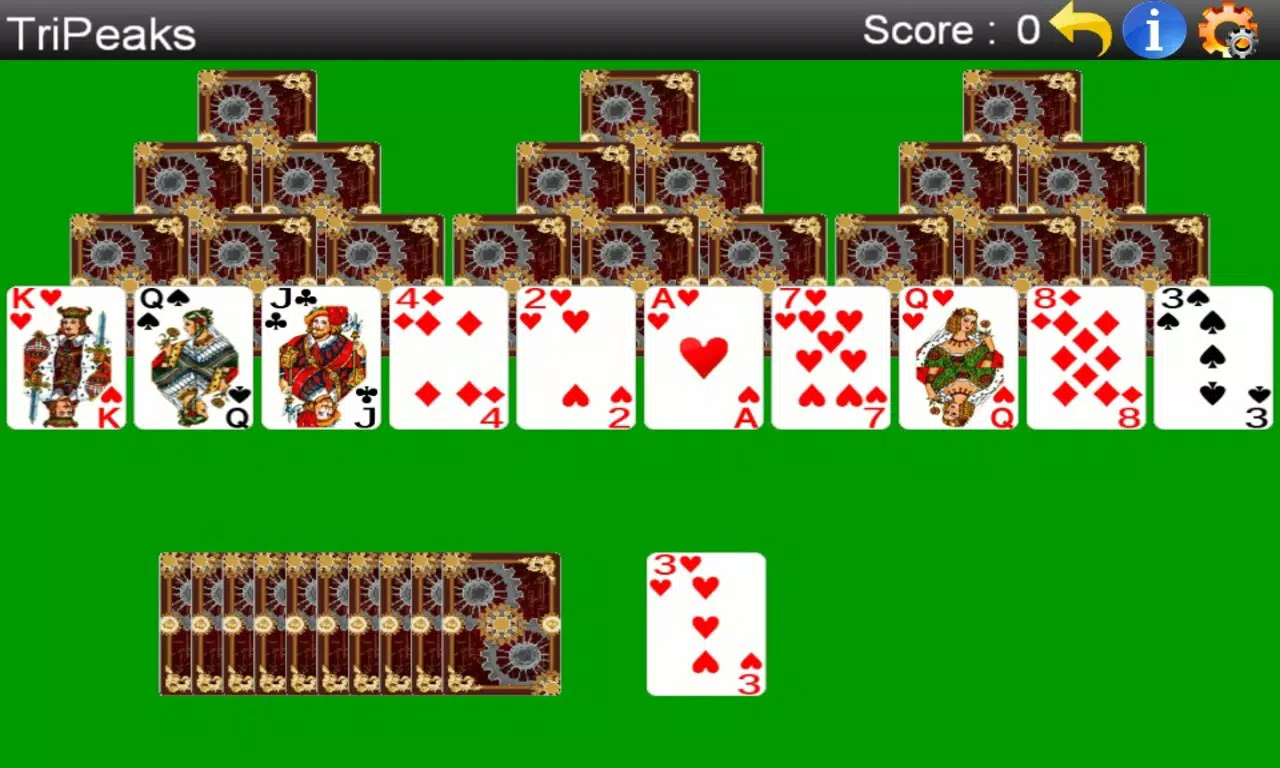
Solitaire Pack (Free) is a curated collection of six classic solitaire card games designed for modern Android devices. The app brings timeless favorites like Klondike, Spider, FreeCell, Tri-Peaks, and two variations of Pyramid into a single, accessible experience. It serves as a digital homage to the card games that defined early computer entertainment, reimagined for today’s mobile users.
The app is ideal for casual players seeking relaxation, fans of classic puzzle games, and those looking to revisit nostalgic gameplay without the clutter of modern distractions. With a focus on simplicity and ease of use, it eliminates the complexity often found in digital solitaire variants, making it approachable for users of all ages and experience levels. The developer, Joe C.
Jones, has crafted a lightweight tool that prioritizes gameplay over flashy design, emphasizing functionality and accessibility. Real-world use cases include short breaks during work, commuting time, or evening relaxation. In the broader app ecosystem, Solitaire Pack (Free) stands out as a minimal yet complete utility for fans of card-based puzzles, offering a reliable, ad-free experience in a category often saturated with monetized or feature-heavy alternatives.
Key Features & Functionality
- Six Classic Solitaire Games: The app includes Klondike, Spider, FreeCell, Tri-Peaks, and two versions of Pyramid, each with distinct rules and strategic depth. This variety ensures sustained engagement by offering different challenges and play styles within a single interface.
- User-Friendly Drag-and-Drop Controls: Players can move entire columns with a single gesture, improving precision on smaller screens. Only valid moves are accepted, and invalid attempts snap back, reducing errors and enhancing flow.
- Simplified Scoring System: Scoring is based solely on the number of moves required to complete a game, removing complicated point systems. This allows players to focus on strategy and progress tracking without distraction.
- Hints and Undo Functionality: When stuck, users can access hints to guide their next move or use the undo feature to reverse mistakes. This reduces frustration and supports learning, especially for beginners.
- Easy Game Type Selection: A menu in the top-right corner allows quick switching between game types and difficulty levels, enabling users to tailor the experience to their current mood or skill level.
For example, a user on a lunch break might choose Klondike for a quick, focused session, while a weekend evening player could explore the more complex Spider game. The streamlined design ensures that each feature serves a clear purpose, contributing to an intuitive and satisfying gameplay loop.
Interface, UX & Performance
The app features a clean, minimalist interface with a focus on card visibility and touch responsiveness. The layout prioritizes the central game area, with navigation elements placed strategically to avoid obstruction. Visual cues are subtle but effective—cards are clearly distinguishable, and feedback for valid moves is immediate.
Navigation is straightforward, relying on intuitive gestures and a consistent menu structure. The app performs smoothly on a range of Android devices, though the developer did not list formal performance metrics. It is optimized for smaller screens, ensuring that card placement and touch targets remain usable on compact devices.
Responsiveness is consistent during gameplay, with minimal lag between input and visual feedback. Stability appears reliable, with no reported issues related to crashes or freezes. Although the developer did not specify minimum OS requirements, the app’s lightweight size of 16M suggests compatibility with older Android versions.
Overall, the UX is designed with accessibility in mind, minimizing cognitive load and allowing users to focus on the game rather than the interface.
Platform Compatibility & Technical Requirements
Solitaire Pack (Free) is available exclusively on the Android platform. The current version is 1.5.1, with a file size of 16M, making it suitable for devices with limited storage. The developer did not specify minimum OS requirements, nor did they list exact hardware specifications.
Compatibility information was not fully disclosed. However, given the app’s age and lightweight footprint, it is likely compatible with a broad range of Android devices, including older models. Users should verify system compatibility through the official app store listing.
The app does not require internet access for core gameplay, ensuring offline usability. It is distributed as a free download, with no in-app purchases or ads reported.
Pros and Cons
Pros
- Free to download and use with no in-app purchases or ads
- Includes six well-known classic solitaire games in one app
- Lightweight size (16M) ideal for low-storage devices
- Optimized for smaller screens and touch-based navigation
- Simple scoring system focused on move count, reducing complexity
- Undo and hint features enhance learning and reduce frustration
Cons
- Developer did not provide detailed technical requirements or OS compatibility
- No information on update frequency or long-term maintenance
- Interface lacks modern design polish or visual enhancements
- No cloud sync or progress saving across devices
- Only available on Android, not iOS or other platforms
FAQ
Is Solitaire Pack (Free) safe to download?
Yes, the app is free from ads and in-app purchases. It is distributed through official Android channels and does not require suspicious permissions. Users should download it from trusted sources to ensure security.
Can I play Solitaire Pack (Free) offline?
Yes, the app does not require an internet connection to play any of the included games, making it ideal for travel or areas with limited connectivity.
Is the app compatible with older Android devices?
While the developer did not specify minimum OS requirements, the app’s small size (16M) and long-standing presence suggest compatibility with older Android versions. Users are advised to check their device’s app store listing for confirmation.
Does the app support game progress saving?
The developer did not disclose whether game progress is saved across sessions. It is recommended to assume that progress may not be retained if the app is uninstalled or cleared.
How often is Solitaire Pack (Free) updated?
Update frequency was not provided by the developer. Given the app’s release date in 2013 and current version 1.5.1, updates appear to be infrequent or minimal.
Final Thoughts
Solitaire Pack (Free) remains a reliable, nostalgic tool for fans of classic card games. Its lightweight design, straightforward interface, and inclusion of six well-loved solitaire variants make it a standout choice in the casual gaming space. While it lacks modern features like cloud sync or frequent updates, its core strengths—simplicity, accessibility, and free access—continue to deliver value.
The app is especially suited for users who appreciate minimalism, offline gameplay, and the timeless charm of traditional solitaire. For those seeking a no-frills, relaxing mobile experience on Android, this app offers consistent performance and enduring appeal. Download Solitaire Pack (Free) now and rediscover the joy of classic card games, one move at a time.


